 KRAYMO
IC2 Classic transformers: LV, MV and HV power tiers
✦ ALPHA · Windows · no Microsoft login
Play KRAYMO Industrial
More than a Wiki: KRAYMO is a playable Minecraft 1.19.2 server with IC2 Classic.
- 01Create account
- 02Download launcher
- 03Install Minecraft
- 04Join Industrial
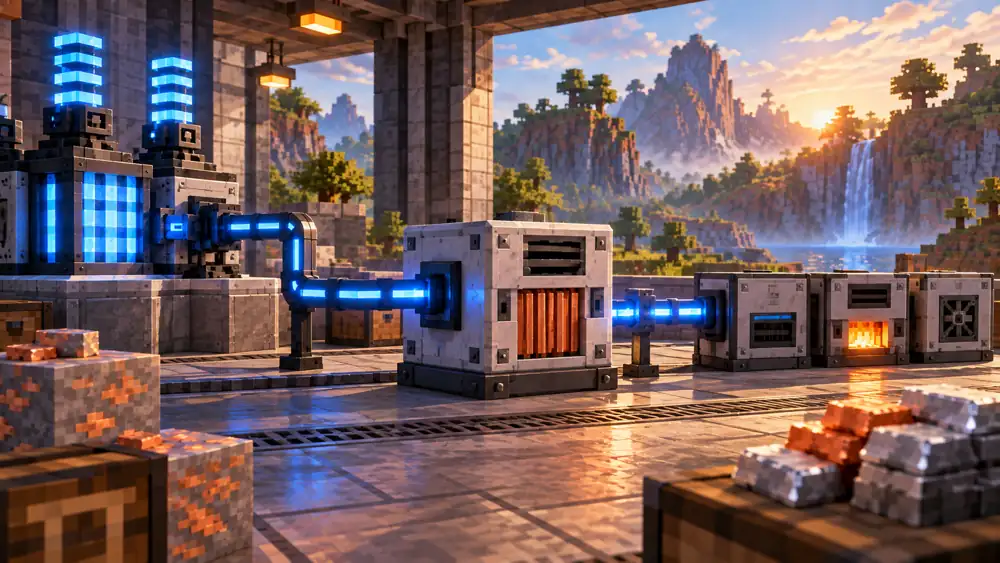
Transformers change EU voltage tiers so different classes of equipment can be connected.
How to use it
Before switching on, verify transformation direction, permitted input/output and each machine tier.
How to configure transformers safely
Transformers link network sections with different EU tiers. Their orientation and mode matter, especially when high-tier power reaches basic machines.
- Identify the source output tier and the receiver's maximum supported tier.
- Select the transformer corresponding to the desired LV, MV or HV transition.
- Inspect marked faces and mode options in your installed build.
- Test one compatible receiving machine before connecting your entire factory.
- Verify the output tier before reconnecting automation or expensive equipment.
Why does a machine stop after adding a transformer?
Inspect the transformer's orientation, mode and output tier. Disconnect power before reconfiguring.
Related guides
Energy and power grid
GeneratorThe Generator turns fuel into EU for your first machines.BatBoxBatBox stores EU and helps smooth power delivery to a small workshop.EU Cables and VoltageCables transfer EU between generators, storage and machines. Limits depend on the cable and mod version.TransformersTransformers change EU voltage tiers so different classes of equipment can be connected.EU Energy StorageStorage units buffer energy between generation and consumption. Pick a unit appropriate for your network size.EU power generation optionsChoose EU generation sources, compare generators and plan a growing IC2 Classic factory.Nuclear reactor safetyPrepare an IC2 Classic nuclear reactor with layout planning, cooling, monitoring and safety.
Machines and processing
MaceratorThe Macerator processes supported ores into dust ready for smelting.Electric FurnaceAn Electric Furnace smelts supported items with EU instead of conventional fuel.CompressorA Compressor compacts materials according to IC2 Classic recipes.ExtractorAn Extractor processes special materials such as rubber-related inputs using configured recipes.Ore processing chainPlan multi-step ore processing in IC2 Classic 1.19.2 without losing intermediate materials.RefineryIC2 Classic 1.19.2 Refinery: item and fluid inputs, routing and troubleshooting.
Automation and transport
Item transport tubesAutomate item movement with IC2 Classic 1.19.2 transport tubes, filters and buffers.Fluid pipes and tanksMove liquids between IC2 Classic machines and avoid stalled processing lines.Machine upgrades and filtersUse IC2 Classic machine upgrades, input/output filters and safe machine configuration.Mining machines: Miner and Rocket MinerAn overview of IC2 Classic 1.19.2 mining machines and safe preparation of a mining area.TeleportersOverview of IC2 Classic 1.19.2 teleporters, power and server-rule limitations.
Equipment and guides
Modular Nano and Quantum armorIntroduction to IC2 Classic 1.19.2 modular armor, modules and charging.In-game Wiki BookFind up-to-date IC2 Classic 1.19.2 recipes and machine data using the in-game Wiki Book.Datapacks and custom recipesWhy IC2 Classic 1.19.2 recipes can differ between servers and how to check them.